
IXL
How to Login to IXL (for Students)
On Chromebook
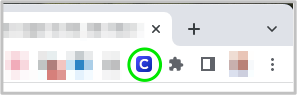
Click the Clever Extension icon in the Toolbar in the upper right corner of the browser and then select IXL from the app library:
Alternatively (at home)
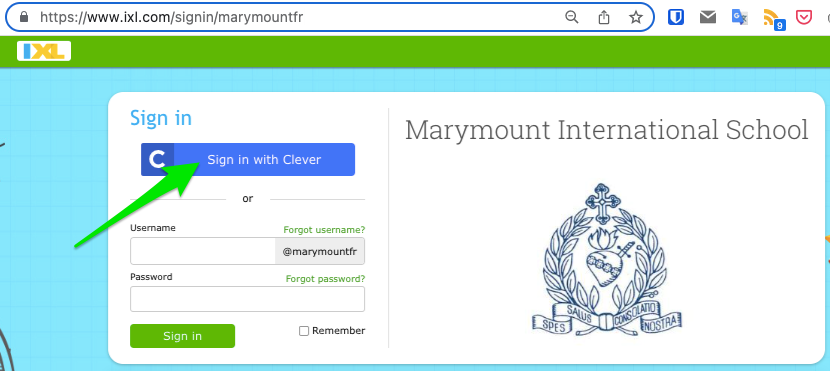
- Visit and bookmark our custom Marymount Paris IXL start page.
https://www.ixl.com/signin/marymountfr
(notice the fr ending rather than .fr)
- Click on the blue ‘Sign in with Clever’ button:
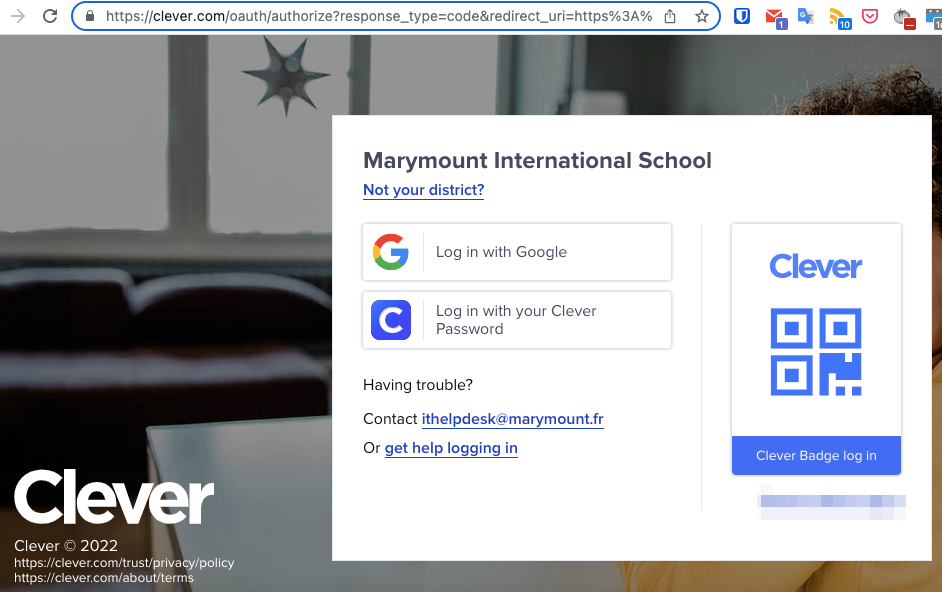
- Login with Marymount Google login if known
OR with an individual ‘Clever badge’ distributed separately:
No comments to display
No comments to display